The phone is where it starts, the desktop is where it ends
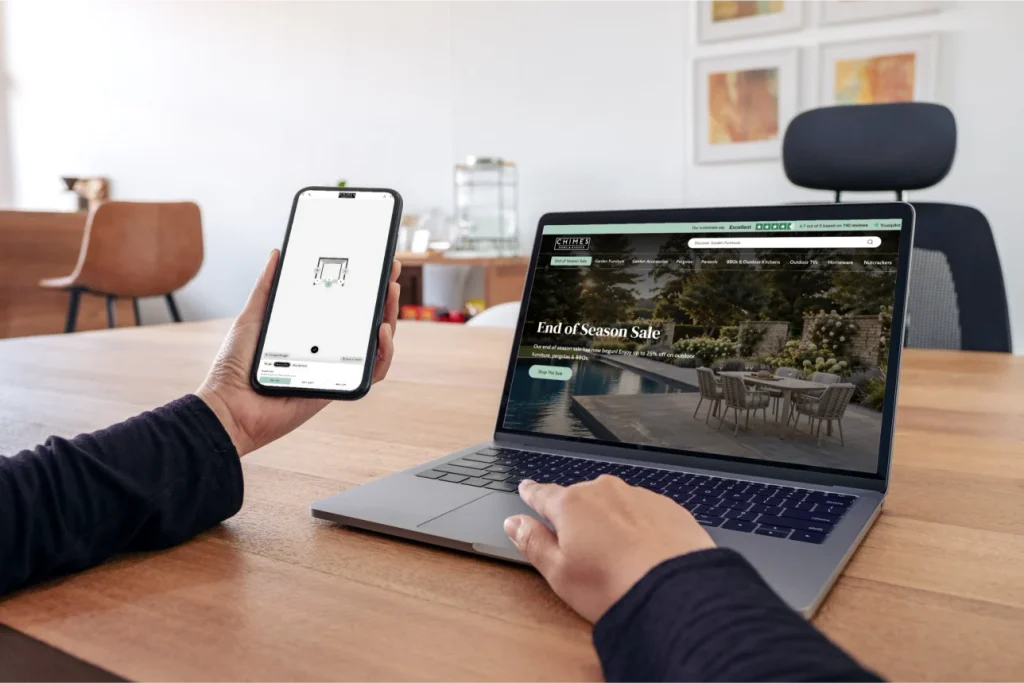
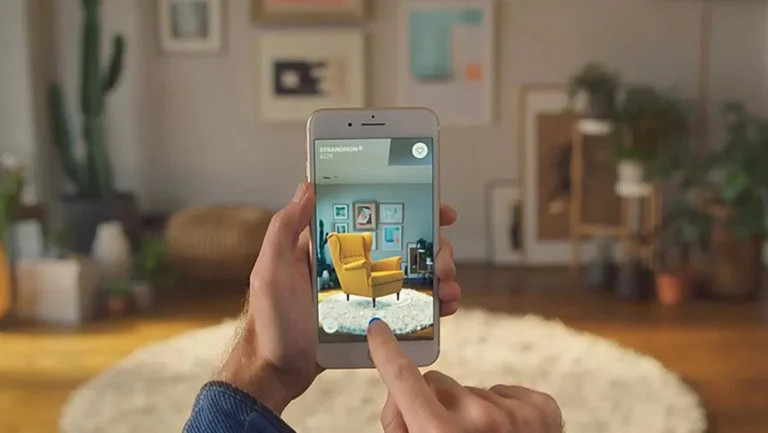
A phone is the device people have to hand: on the sofa, on the commute, in the garden wondering where a pergola might go. Buying often happens somewhere else. Mobile makes up about 70% of ecommerce traffic, yet desktop converts better and visitors spend over twice as long there. Many shoppers browse on a phone, then switch to a laptop to compare products or buy.
We would expect that pattern to be stronger in Home & Garden. A big purchase needs measurements, a second opinion, delivery details and sometimes a finance application, and those tasks suit a bigger screen and a quieter moment. So the visit you record on mobile and the order you record on desktop are often the same decision, split across two devices. Your analytics can easily treat them as strangers.
How cross-device journeys get misattributed
Google Analytics 4 links activity to a person using what it calls reporting identity. On a website, the device ID comes from the client ID, which belongs to one browser on one device. Your phone and your desktop therefore have different IDs, and unless you also collect a User-ID or consented user-provided data, GA4 has no way to know they are the same person.
That creates four problems:
- One shopper becomes two. The mobile visitor and the desktop buyer are counted as separate users, so no single user appears to have taken the journey.
- The wrong channel gets the credit. The desktop visit often arrives as direct traffic, branded search or an email click. The Instagram post, Pinterest pin or AI answer that started the decision on mobile gets little or none of the credit.
- Mobile looks like a dead end. Mobile sessions end without an order, so they read as failed visits, even when they set up the purchase.
- Returning visitors look new. Browsers that limit cookie lifetimes can make a returning shopper appear as a fresh visitor.
Some influence never produces a visit at all. A shopper can get a recommendation inside an AI chat, then open a browser or app to buy, with no click recorded from the chat.
Why mobile looks like it underperforms
Mobile carries most of the traffic and desktop carries more of the orders, which shows up as a conversion gap in favour of desktop. Read at face value, that says mobile is the weaker channel and the mobile site needs fixing.
Part of that is true. Small screens make forms, checkout and detailed comparison harder, and some stores do have real mobile problems. But part of the gap is how the numbers are made. Conversion rate credits the device where the order happened, not the one where the decision started. If mobile does the early work and desktop collects the order, desktop will always look better and mobile will always look worse.
In a considered category, we would expect that effect to be larger. The longer and more expensive the decision, the more likely it is to cross devices. That’s why a mobile conversion rate on its own is a poor guide to how well your mobile site is working.
A quick check helps separate the two causes. If mobile shoppers add to basket and then abandon at checkout, that points to real friction on the phone. If mobile visitors browse, save or share, then buy later on a desktop, the site is doing its job and the report is hiding it.
What to measure instead
Judge mobile on the job it does, not the order it records. These measures show whether the phone is setting up sales, and where it genuinely loses them.
| Measure | What it tells you |
|---|---|
| Orders by first-touch channel and device, not just last click | Which channels and devices start journeys that end in a sale |
| Time between first visit and order | How long your customers really take to decide, so you can time follow-up |
| Saves, shares and “email me this” completions | Intent to continue later, which a mobile visit with no order hides |
| Share of orders with a known email or account | How much of your journey data you can actually join up |
| Mobile add-to-basket to checkout drop-off | Real friction on the phone, separate from the cross-device effect |
| Showroom visits, calls and enquiries after a mobile visit | The offline half of the decision, where you can track it |
If you can, send GA4 a User-ID for signed-in customers. It is the most accurate identity space, and consented, hashed user-provided data can serve as the identifier when there’s no User-ID. Set your reporting identity to use it, and expect the coverage to be partial: it only sees shoppers who identify themselves.
Make the handover trackable
The best fix is to give shoppers a reason to hand over their journey on purpose, so the phone and the desktop connect. Each of these is useful to the shopper first and to your reporting second:
- “Email me this” and saved baskets. A shopper on a phone can send a product, list or basket to themselves, with consent, and carry on later on a bigger screen. You get a known email address and a clear link between the two devices.
- Tagged return links. Add tracking parameters to every link in a follow-up email or text, so the desktop visit is credited to the saved basket rather than showing up as direct traffic.
- Accounts that earn their keep. Offer saved lists, order tracking or delivery updates in return for signing in, rather than forcing an account at checkout.
- Share links. When someone sends a design or list to a partner, the link can carry its source, so you can see the second person’s visit as part of the same decision.
- Tracked phone and showroom routes. Use call tracking or a short “how did you hear about us” question on enquiry and booking forms, so offline outcomes can be tied back to an online start.
Be clear about why you’re asking for details and get consent first. People will hand over an email address when it clearly helps them finish a big purchase.
Where to start
- Check your reporting identity in GA4 and whether you’re sending a User-ID for signed-in customers.
- Split mobile conversion into basket-to-checkout drop-off, which is real friction, and everything earlier, which is the journey.
- Look at path and time-to-purchase data to see how often mobile starts a journey that desktop finishes.
- Add one deliberate handover, such as “email me this” or a saved basket, with tagged return links.
- Add “how did you hear about us” to enquiry, booking and checkout forms, with an option for AI assistants and social.
Mobile is rarely the weak link it appears to be in a considered category. It is where the decision begins, and the job of your tracking is to show how it ends.